 bliqueX
Client work
Urbana
A street furniture manufacturer based in the United States asked us to rework how it sells globally: the sales strategy and the software that carries it. The first piece is a catalog that customers and dealers use together, where a buyer can configure a product, look at it in 3D and place it into a photo of their own site before sending an inquiry.
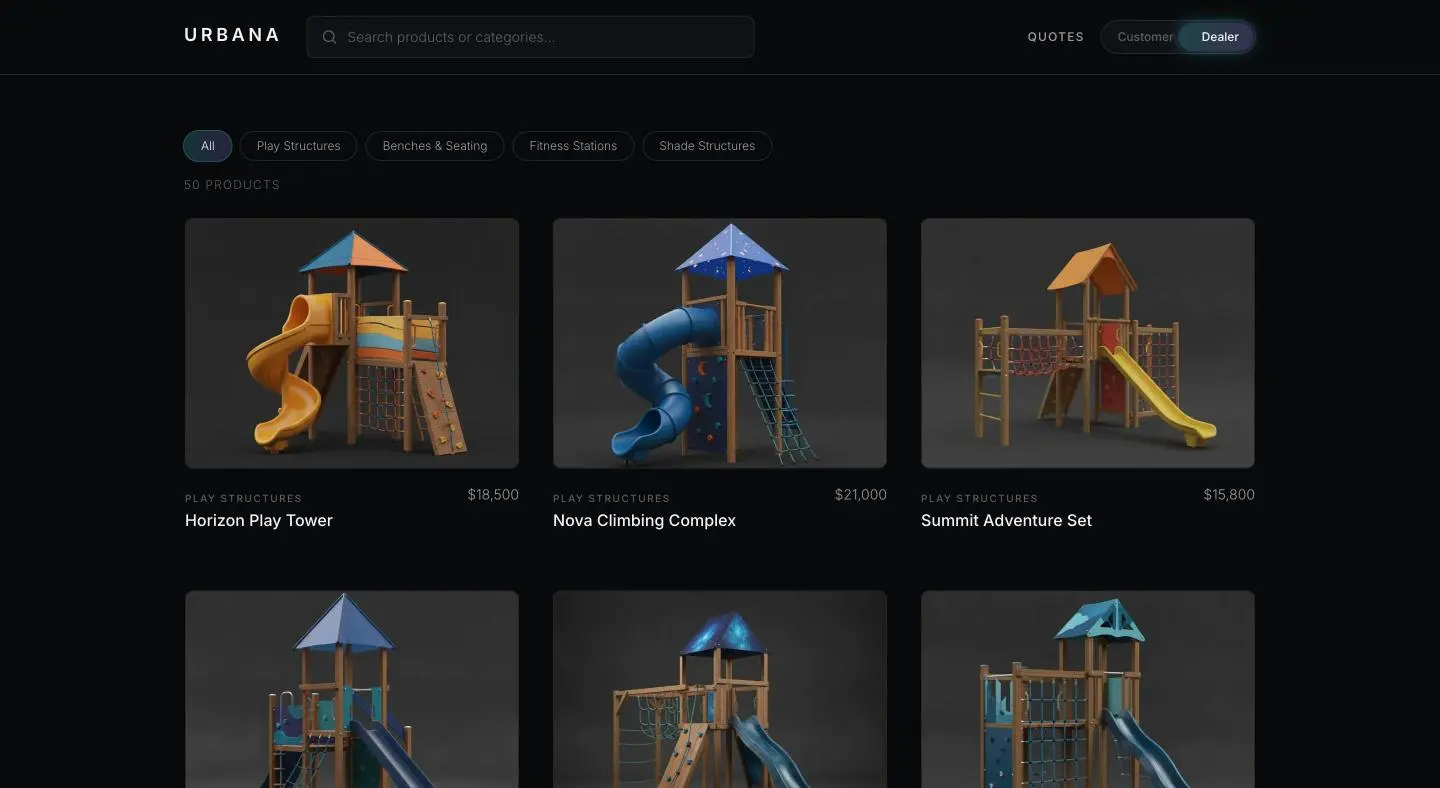
One catalog, two audiences
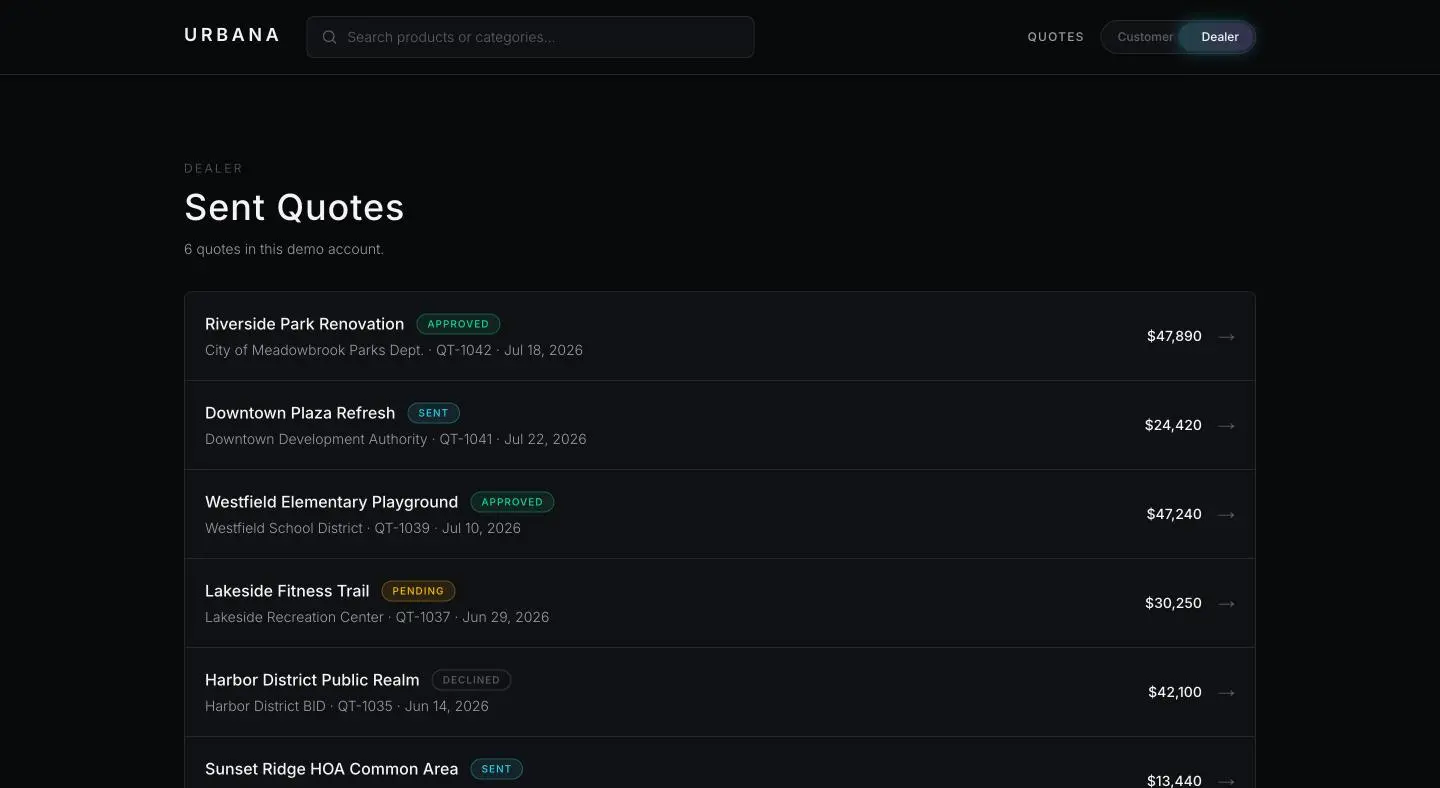
The range covers play structures, benches and seating, fitness stations and shade structures. Customers and dealers browse the same catalog; a switch in the header changes which side of it they are on. The dealer side adds a list of the quotes a dealer has sent, each with its client, reference, date, amount and status.
Keeping both audiences on one catalog means one place to change a product, a price or a specification, instead of a public site and a dealer price list that drift apart.
Configure, then see it
Every product page carries a configurator. A play structure, for example, takes a color, a wood type, a finish and one of three sizes with its dimensions in centimetres, and the page keeps a summary of the selected configuration. The technical specifications go down to the material, the age group, the safety zone and the standard the item is built to, such as EN 1176 for playground equipment.
Next to the configurator sits a 3D viewer that follows the chosen color. In the prototype it renders placeholder geometry; the manufacturer's own models are the next step.
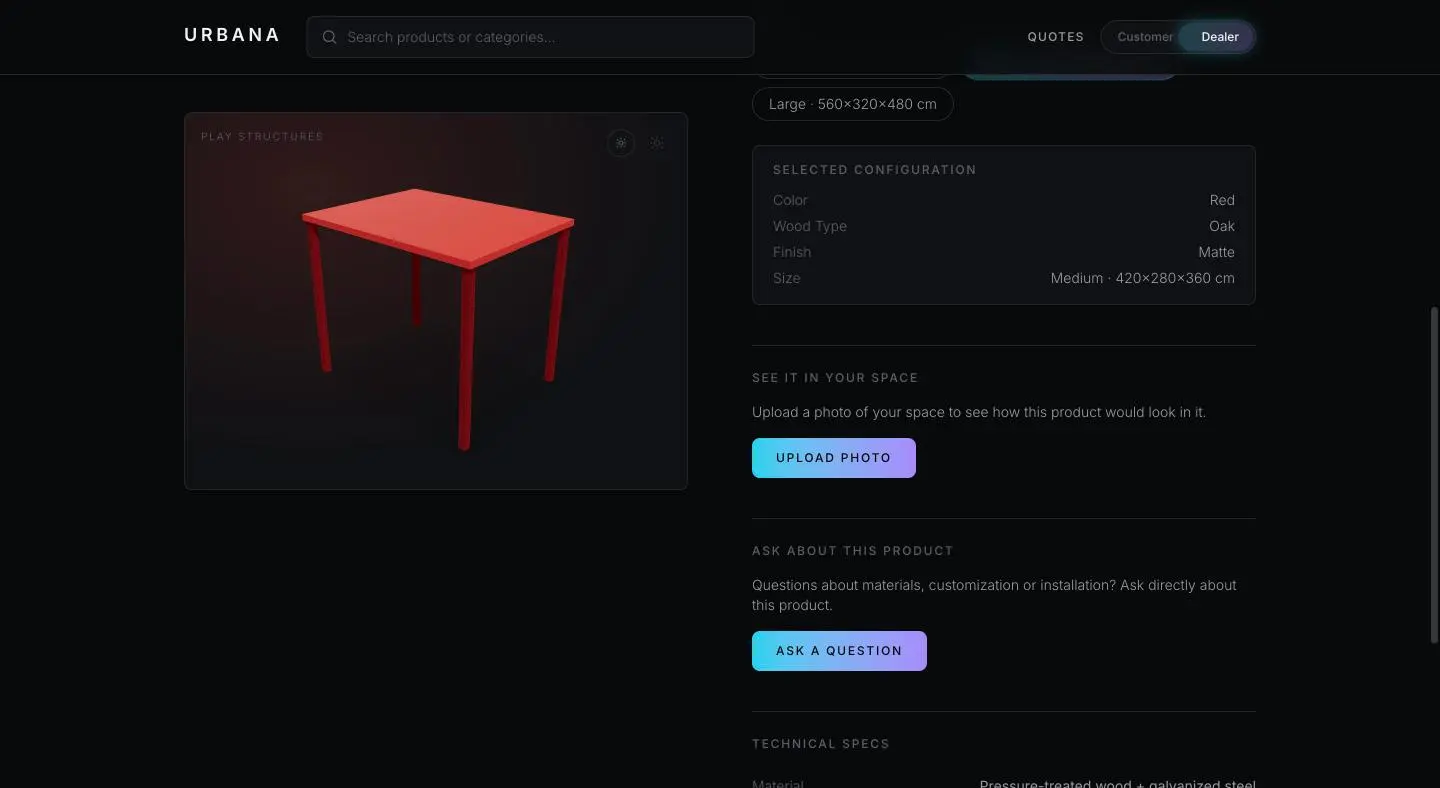
See It In Your Space
Large outdoor equipment is hard to sell for one reason: the buyer cannot picture it in the real location, and studio photography does not fix that. So the product page asks for a photo of the actual site and shows the product placed into it. This is the step the rest of the catalog is built to lead to.
A lead is never retyped
Inquiries go straight from the product to WhatsApp or email, and the message arrives already written: the product, its price and a link back to its page. A question about materials, customization or installation is asked from the page of the product it is about, so nobody has to work out which item the buyer meant.
How it is put together
| Framework | Next.js with server rendering, React, TypeScript |
|---|---|
| Styling | Tailwind CSS |
| Hosting | Vercel |
| Source | Private while the work is in development |
What this page does not show
The prototype runs under a working name, Urbana, with placeholder contact details and demo quotes. Not every product has photography yet, and the 3D viewer uses placeholder geometry until the manufacturer's models are in.
The client is not named on this page. The engagement covers how the company sells, not only the software, and is ongoing.
Work like this
If a product line is sold through a PDF price list, a phone call and a dealer who retypes the order, this is roughly the shape of the thing that replaces it. We build custom web, mobile and backend software for companies, and we build our own products alongside it.